Construct365 project workspace
Get site, office and accounts on the same page.
The connected back office for UK contractors and subcontractors: sales, technical, site, commercial, accounts and aftercare, from first enquiry to the end of the defects period, all in one place. No charge on construction volume.
Sales
Win the work: from the first enquiry to the award letter.
Find and invite firms from the directory.
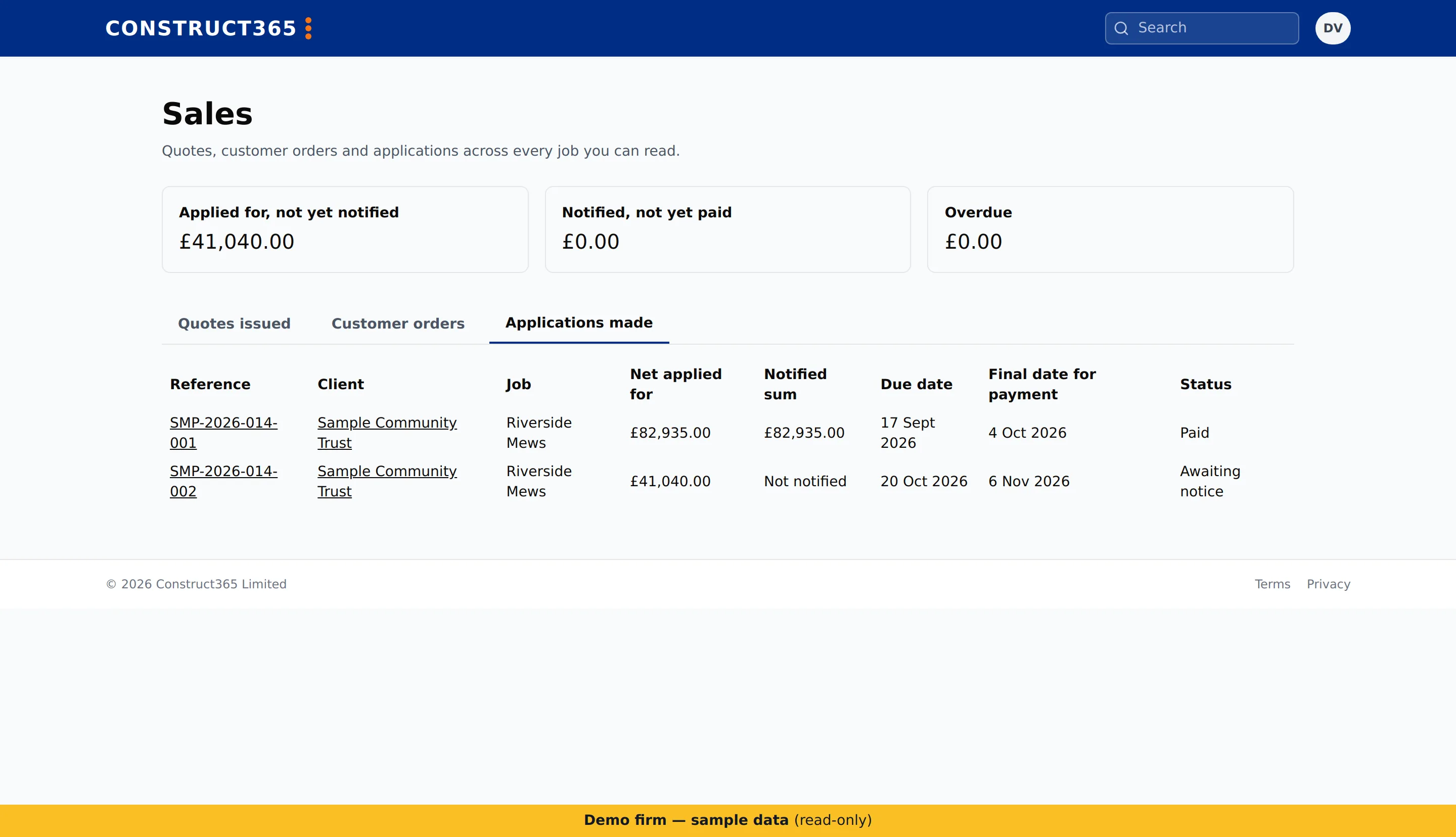
- Enquiries, which you can turn into a project.
- Quotes with revisions, approved under your company’s approval policy.
- Take-off measurements from a drawing, priced into quote lines.
- A rate library for your firm’s own rates.
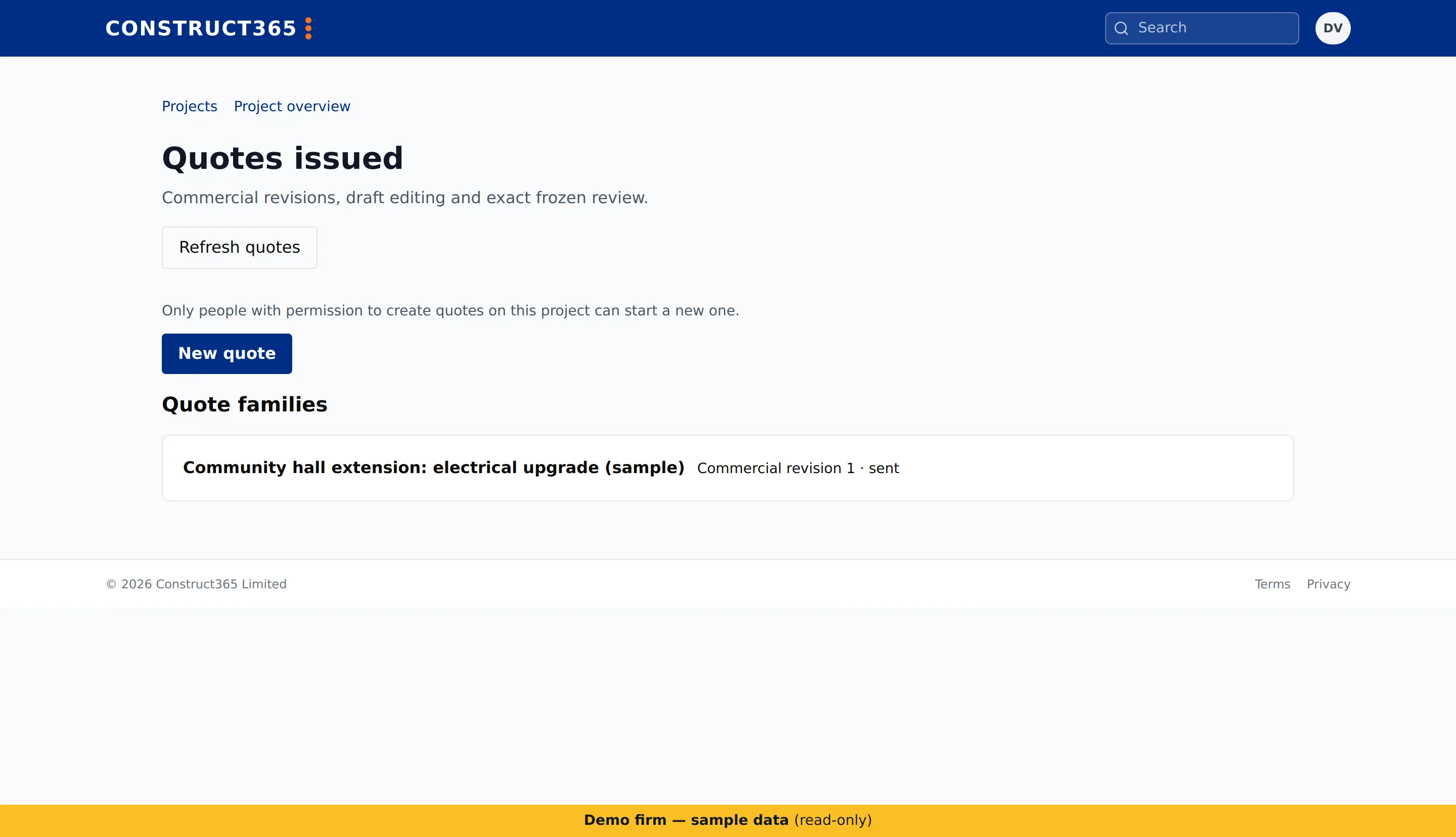
- Tender packages with an invite list, addenda, returns and a comparison of the returns.
- Award and regret letters to the bidders.
Technical
Keep everyone on the current drawing.
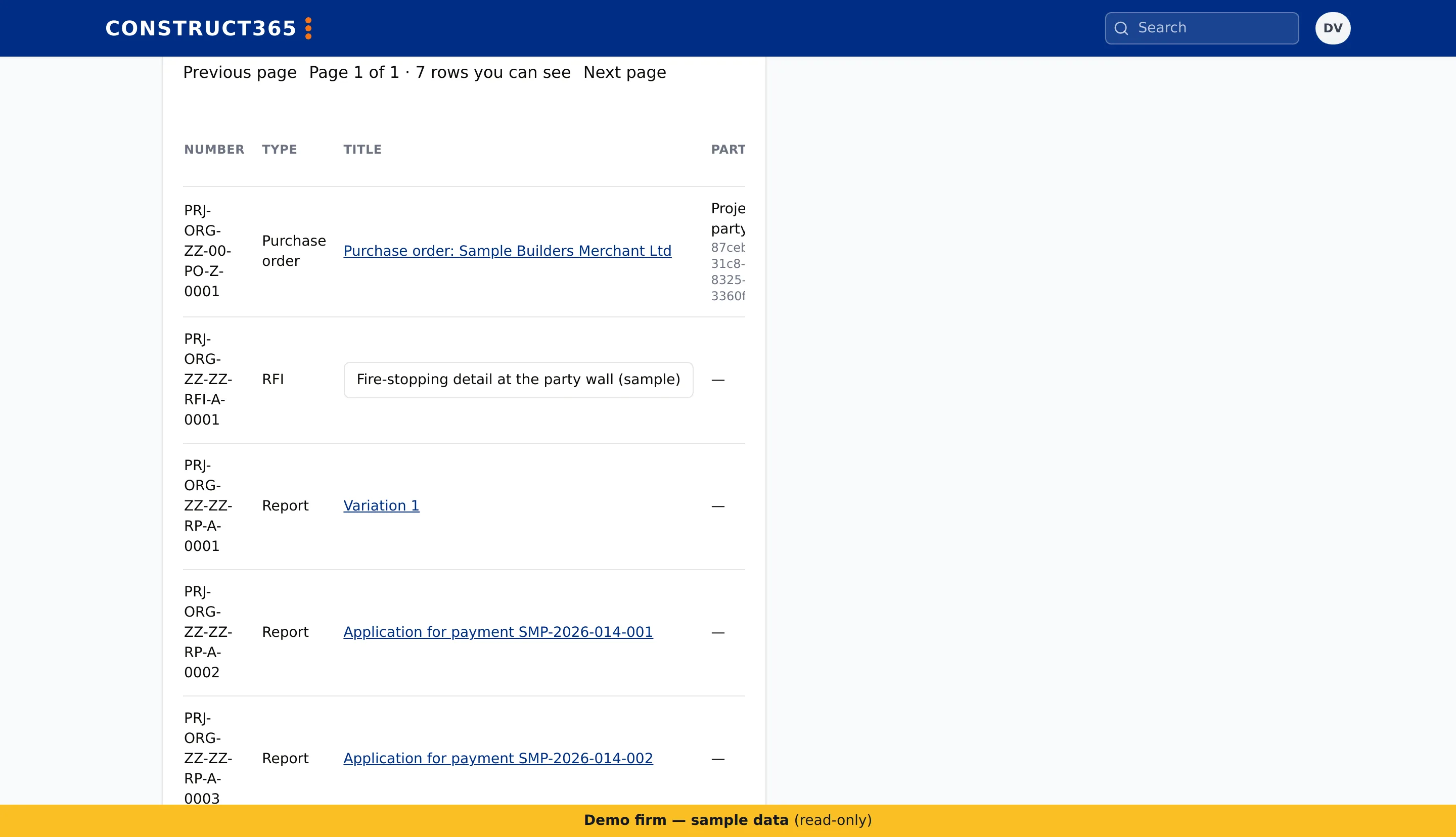
- The drawing and document register, with every revision kept.
- Markups on drawings and documents.
- Technical queries and submittals.Coming
Site
What the site team records on the phone, even without signal.
- The site diary on the phone.
- Deliveries, recorded with photos.
- Plant on and off hire: record hired plant in the diary, mark it off hire, and get a flag when it may need to go off hire.
- Snags, with photos and a pin on the drawing.
- Site inductions and the daily site sign-in register.


Commercial
Control what you spend and what you are owed.
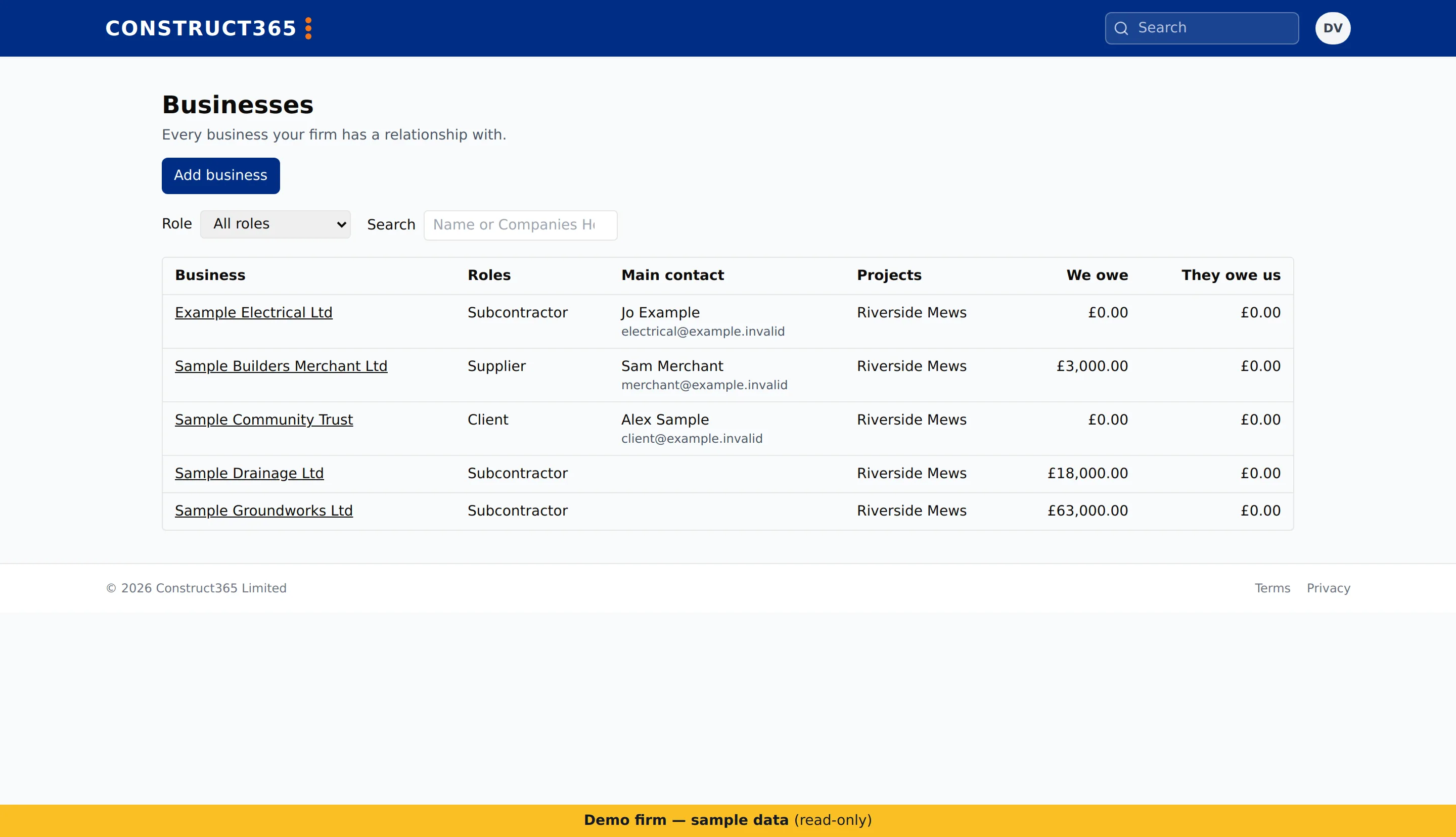
Add subcontractors and suppliers from the directory.
- Budgets for each project.
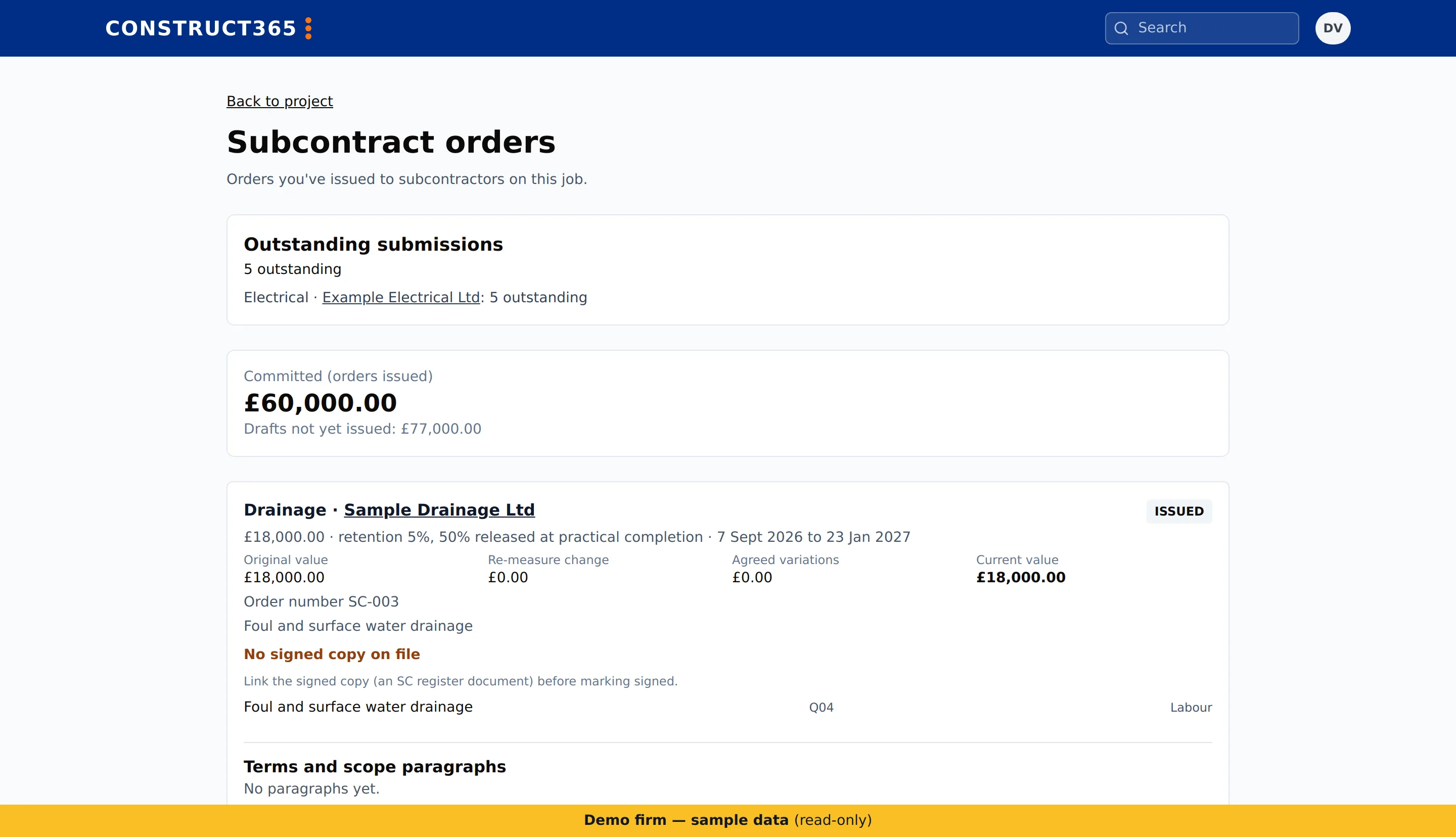
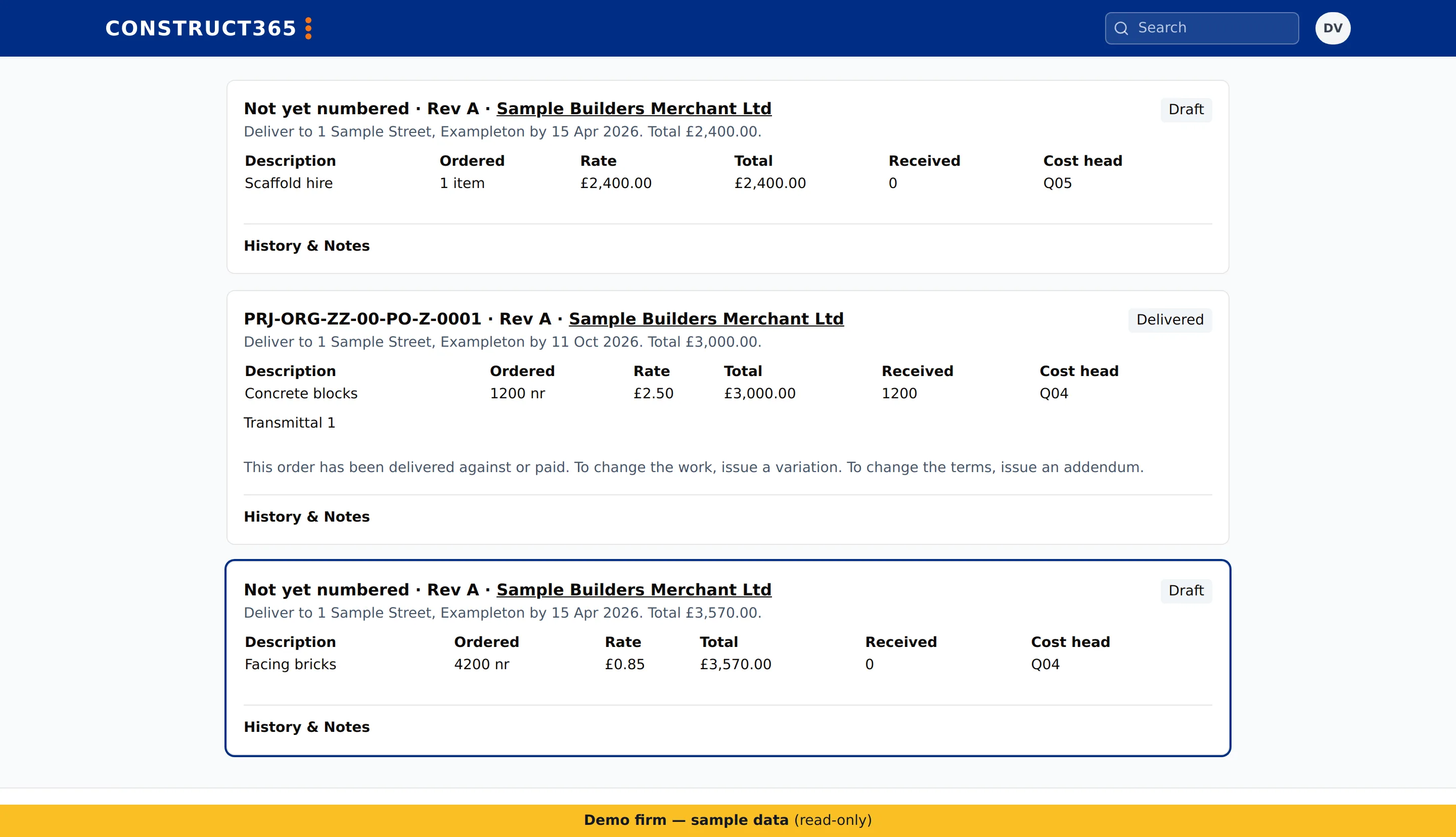
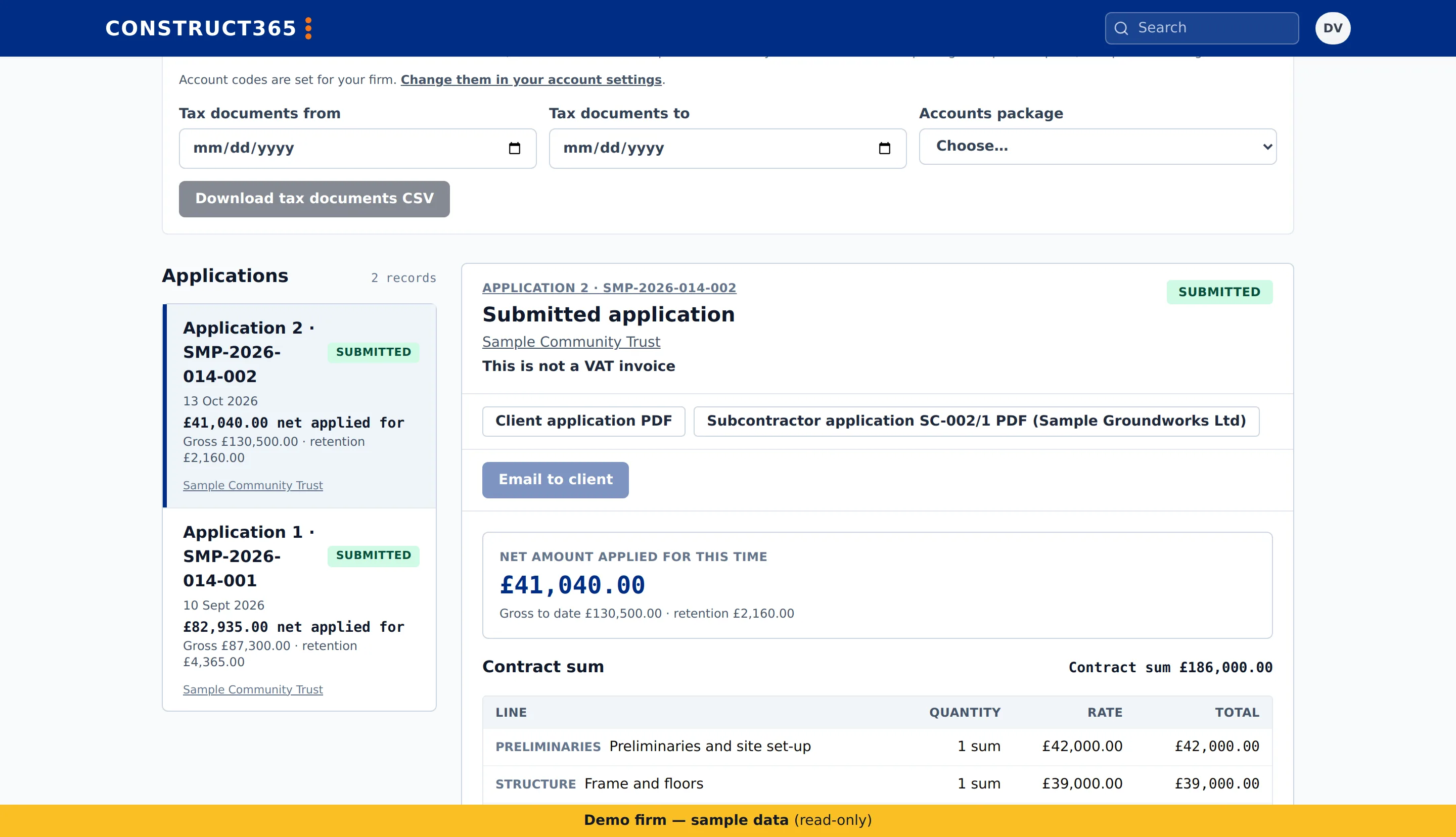
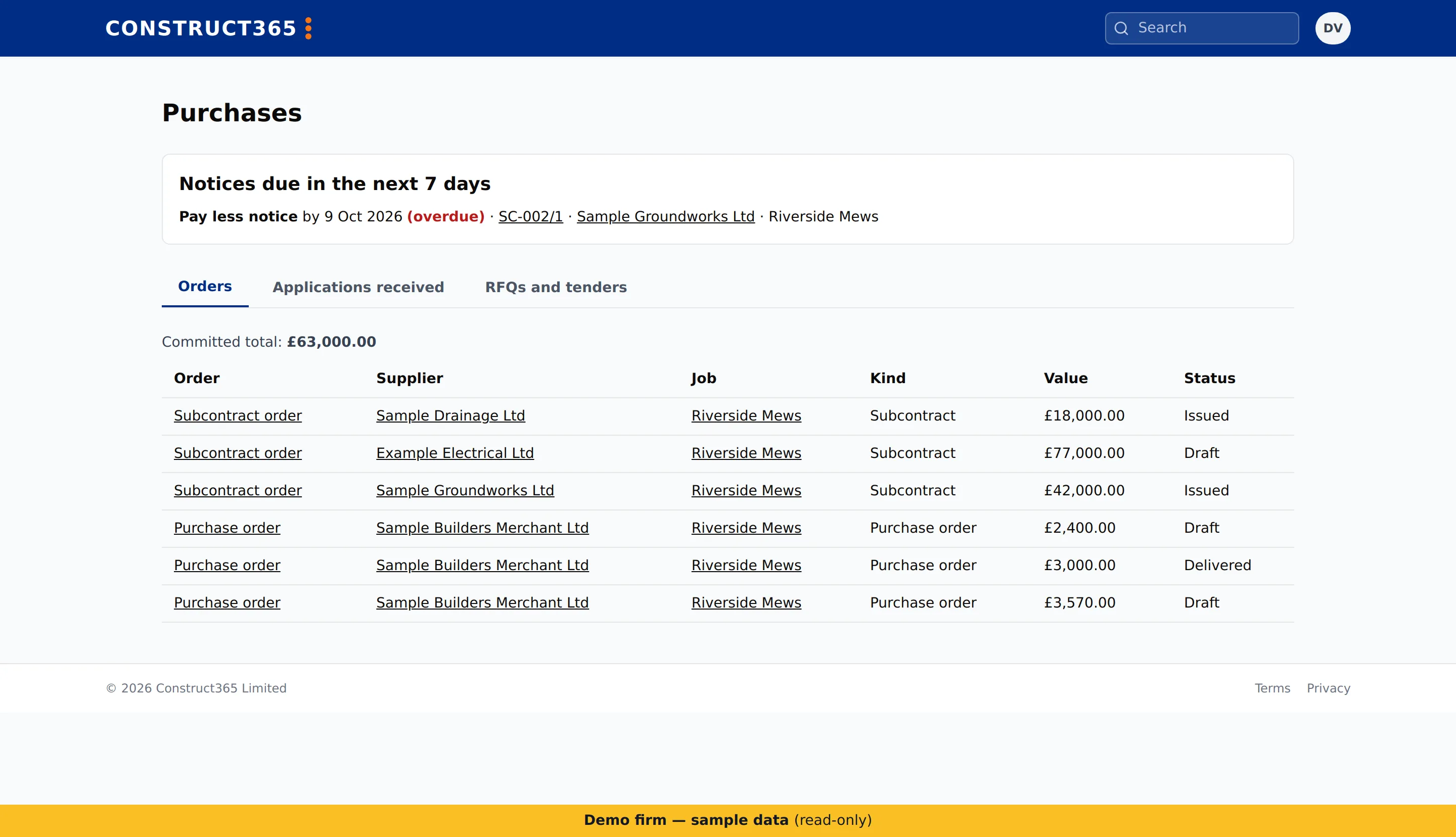
- Subcontract orders and purchase orders, including hire lines priced per day or per week from on hire to off hire.
- Call-offs against a purchase order.
- Variations, and re-measures of a subcontract.
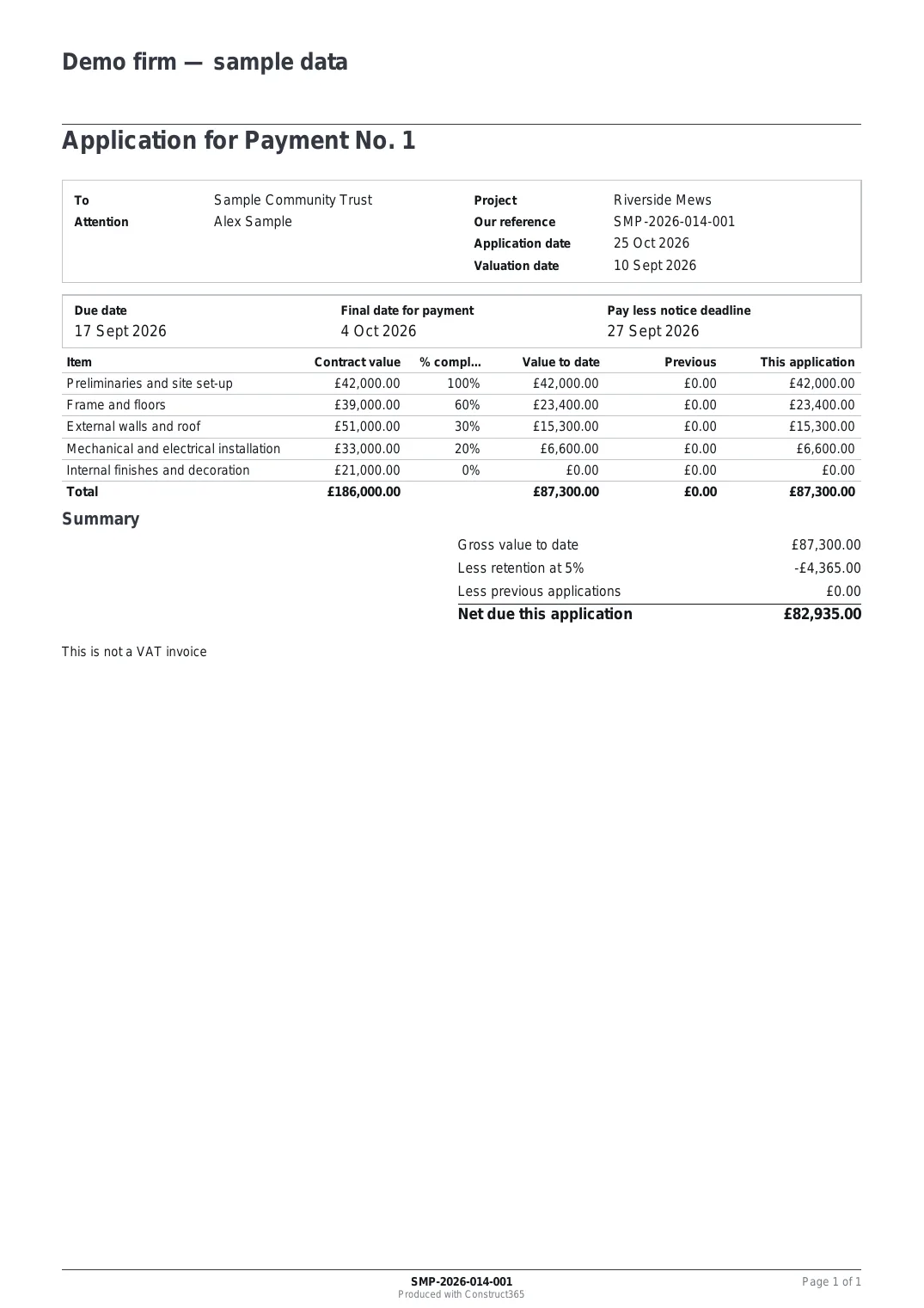
- Certificates with the CIS deduction and VAT.
- Payment notices and pay less notices.
- Materials on site, and payments on account.
- Deductions, and retention held and released.
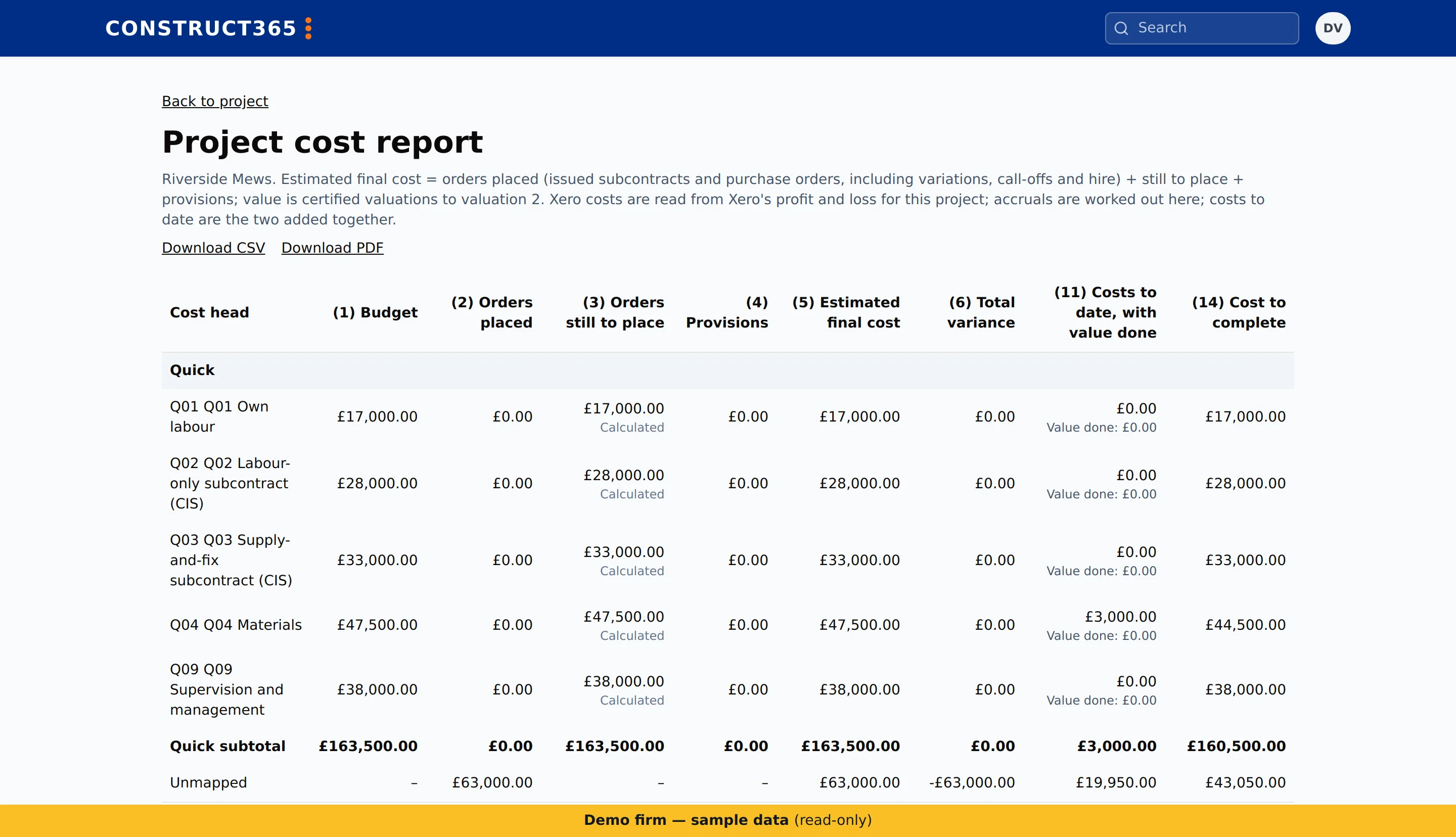
- The cost report by cost head.
- Month-end on the cost report: a monthly period with comments on the cost heads that moved, signed off and then frozen.
The cost report by cost head is in the Complete plan.
Project cost report
Office
Keep the firm moving without chasing.
Check a firm in the directory before you appoint them.
- Approvals by the firm’s own policy.
- My actions: every open item assigned to you, across your projects.
- Every payment notice deadline in one view.
- Inviting colleagues to the firm.
Accounts
Nothing re-keyed: Xero and Construct365 stay in step.
- Bills, invoices and purchase orders sent to Xero.
- CIS and VAT figures read back from Xero.
- Paid status kept in step with Xero.
Aftercare
From completion to the end of the defects period.
- Snags and defects after completion, and retention release.
- Handover packs.
- Defect reporting by the client.Coming
Built on the UK construction directory, so every firm you work with is already here
For public-sector buyers
Find construction suppliers by trade and area, see their size, years trading and league-table rank, and download a long-list for your procurement file.
Downloading the long-list needs a sign-in.
For the whole project team
See what fits your team.